
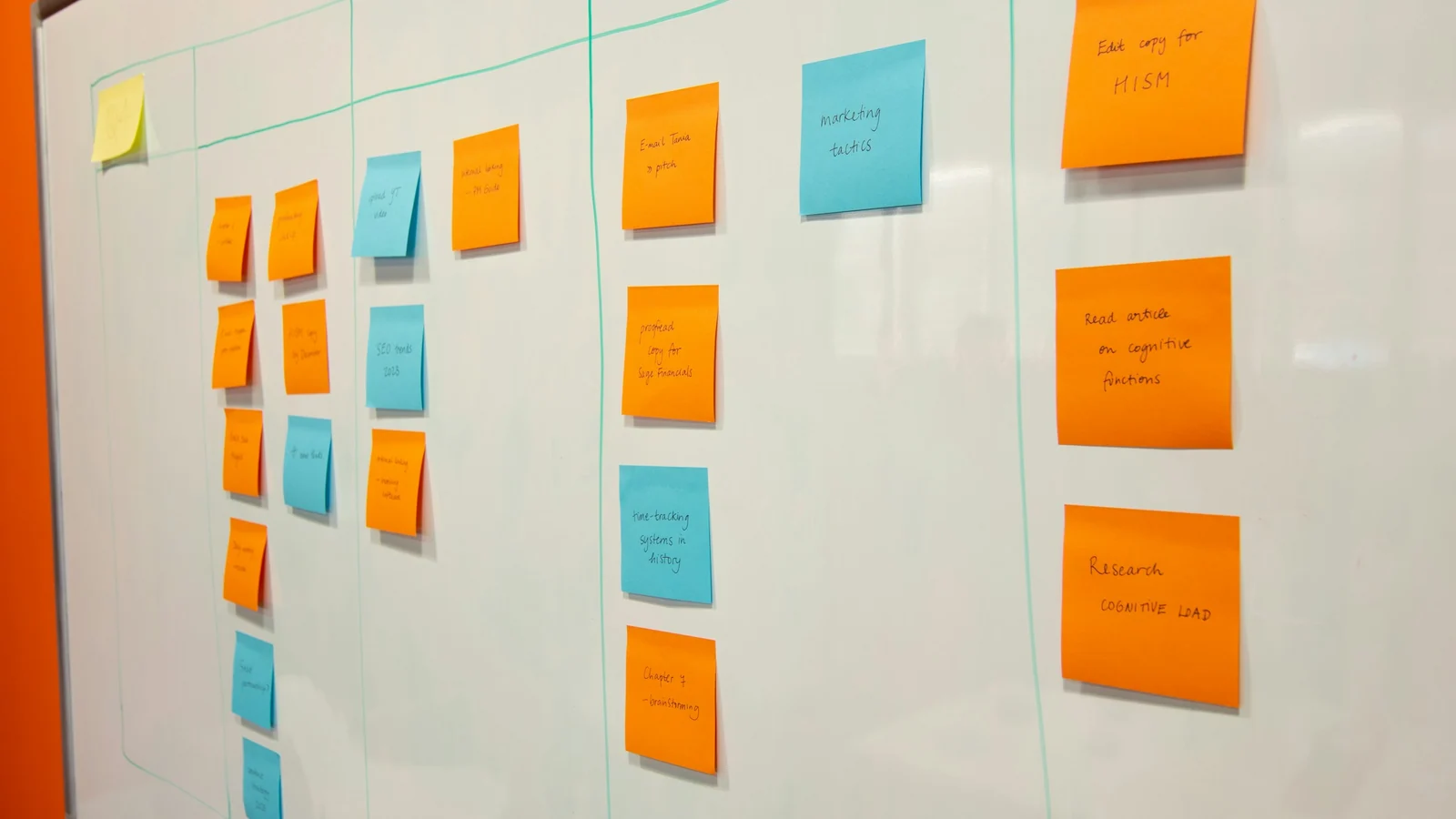
For recurring editorial work, the practical question is not “Which product is better?” It is “Which workflow structure fits the way our team coordinates work?”
Based on the supplied official documentation, Asana is worth evaluating if you want to organize work around assigned tasks, due dates, and shared projects. Trello is worth evaluating if you want cards to move through lists that represent workflow stages. These are different organizational models—not evidence that either product is universally easier, more capable, or more reliable.
Start by asking whether your content operation needs explicit coordination around individual responsibilities or a highly visible view of work moving from stage to stage. A solo operator may prefer one model now and need another as collaborators join. Lean teams should also consider templates, permissions, automation conditions, and handoffs before choosing.
This comparison reuses official Asana and Trello documentation recorded in earlier research dated September 16, 2026; the linked pages were not checked again for this article. It is not based on hands-on testing, configured templates, measured setup times, or observed team outcomes. Current prices, plan limits, automation quotas, and collaborator conditions were not verified.
Start With the Content Handoff You Need to Manage
Consider this hypothetical weekly article workflow:
- Someone prepares a content brief.
- A writer produces a draft.
- An editor reviews it.
- The writer or another contributor completes revisions.
- The article is approved for a later publishing process.
This is an illustrative planning scenario, not a workflow tested in either product.
Before comparing interfaces, identify what must remain clear throughout that sequence:
- Who is responsible for the current piece of work?
- Does each task have a due date, or only the final article?
- Does the team think in terms of separate assignments within a project?
- Would the team rather see each article move through visible stages?
- Who may change the workflow, comment on it, or only view it?
- Which setup details should a template preserve?
- If an automation does not run as intended, what can an administrator inspect?
The supplied Asana feature documentation describes tasks with owners and due dates, shared projects, views, and workflow features. Trello 101 describes boards, lists, and cards, with cards moving across lists to represent workflow stages.
These documented structures suggest two ways to frame the hypothetical editorial process. In Asana, a team might begin by asking which tasks belong to the project, who owns them, and when they are due. In Trello, it might begin by deciding which lists represent its stages and when a card should move forward. These are editorial interpretations, not exclusive descriptions of what either product can do.
Workflow Structure: Tasks and Projects or Cards Across Lists
The clearest difference supported by this evidence is each product’s basic organizational model.
| Decision dimension | Asana documentation supports | Trello documentation supports | What to ask your team |
|---|---|---|---|
| Core structure | Tasks with owners and due dates within shared projects | Boards containing lists and cards, with cards moving across lists | Do you naturally discuss assignments or stages first? |
| Repeatable setup foundation | Reusable project templates with documented project components | Reusable template boards with documented visibility and collaboration conditions | Which setup details must be reproduced, and under what plan conditions? |
| Ownership evidence in this comparison | Task ownership and due dates are documented | The supplied Trello evidence focuses on boards, lists, cards, and stage movement | What ownership behavior must be verified separately before choosing? |
| Permissions evidence in this comparison | Project administrator, editor, commenter, and viewer levels are documented | The supplied evidence addresses restrictions associated with template boards | Which roles and controls require a separate, symmetric check? |
| Automation evidence in this comparison | No corresponding Asana automation source was supplied | Rules, scheduled, due-date, and button automations are documented | Which automations, quotas, logs, and sharing boundaries must be verified? |
| Handoff emphasis | Explicit task responsibility may provide a useful coordination starting point | Visible card movement may provide a useful stage-tracking starting point | Does your team lose more context around responsibility or status? |
The table reflects only what the supplied sources support. It does not show that Trello lacks ownership or broader permission features, nor does it show that Asana lacks automation. This evidence set cannot answer those questions.
For a team coordinating several contributors, Asana’s documented owners and due dates may suit a preference for explicit responsibility. For a team that repeatedly asks, “What stage is this article in?” Trello’s documented movement of cards across lists may better match a stage-centered mental model.
Neither observation proves usability. A visible board is not automatically simple for every team, and a task-centered project is not automatically complicated. Establishing ease of use would require evidence the supplied documentation does not provide.
Repeatable Setup: What Each Template Can Establish
Recurring content work often begins with a repeatable structure, but a reusable template is not the same as automatic recurrence.
Asana’s project-template documentation says project templates can include tasks, assignees, dates, members, roles, and privacy settings. In the hypothetical article workflow, those components could matter to a team that wants its initial project structure to reflect standard work and participation decisions.
The documentation does not establish how quickly a team could configure such a template, whether a particular design would work well, or whether every component is available under the intended plan and workspace configuration. No Asana template was built or tested for this comparison.
Trello’s template-board documentation describes turning a board into a template and identifies plan-dependent visibility and collaboration restrictions. In the hypothetical workflow, a template board could provide a starting arrangement for lists and cards the team wants to reuse.
No Trello template was configured or tested either. The documentation supports the existence of template boards, but it does not prove that a particular setup would be faster, easier, or more suitable than an Asana project template.
When assessing repeatable setup, write down exactly what the template should preserve:
- Standard editorial stages
- Common tasks or card content
- Default participants or roles
- Assignment expectations
- Dates or scheduling conventions
- Privacy and visibility settings
- Instructions for advancing work
Then verify each requirement against current documentation and the plan under consideration. Do not assume that both products mean the same thing by “template.” More importantly, do not assume that creating something from a template will automatically launch work on a recurring schedule. The supplied sources do not establish that behavior.
Ownership and Handoffs: Decide Who Moves Work Forward
A recurring workflow can look organized while leaving a basic question unanswered: Who acts next?
Asana’s official feature material documents task owners and due dates. In the hypothetical editorial workflow, a team could evaluate whether that model adequately expresses responsibility for drafting, reviewing, revising, and approving work. The relevant point is not proven productivity; it is the availability of documented fields that may fit the team’s coordination requirements.
The supplied Trello guide documents cards moving through lists that represent stages. A team could evaluate whether moving an article card from “Drafting” to “Editorial Review,” for example, communicates status clearly enough for its process. Those list names are illustrative and did not come from a tested Trello configuration.
This evidence does not support a claim that Trello lacks task ownership. It simply does not include matching documentation about Trello ownership. If named responsibility is essential, treat it as something to verify—not as a negative conclusion about the product.
The same discipline applies to Asana. Documented owners and due dates do not prove that handoffs will happen on time or that contributors will update their tasks consistently. Software can record expectations, but the supplied vendor documentation is not evidence of team behavior.
For each handoff, ask:
- What event signals that the next person should begin?
- Must one named person be responsible, or can a role or group respond?
- Does a stage change also require a new owner or due date?
- What happens when a review is late?
- Who can correct an inaccurate status?
- Which parts of the process depend on team habits rather than product configuration?
The answers can help reveal whether explicit task coordination or visible stage movement should be the first model you evaluate.
Permissions: Check Who Can Change the Workflow
Workflow design and workflow governance are separate decisions. A system may look appropriate while providing the wrong control boundaries for a particular team or plan.
Asana’s project-permissions documentation describes project administrator, editor, commenter, and viewer permission levels. This provides a documented basis for asking who can administer a project, change its content, comment, or only view it. You still need to confirm role availability and applicable plan conditions for the intended workspace.
The supplied Trello template-board documentation discusses plan-dependent visibility and collaboration restrictions. That evidence is narrower than the Asana permissions source and should not be treated as a complete analysis of Trello permissions.
Because the evidence is asymmetric, this comparison cannot responsibly declare either product’s governance model stronger. Instead, use the available information to build a verification list:
- Who can change the main workflow structure?
- Who can edit individual work items?
- Who can comment without changing the setup?
- Is view-only access available where needed?
- Who can create, expose, or reuse templates?
- How do workspace and plan conditions affect these choices?
- What happens when an outside contractor or occasional collaborator is added?
Confirm these conditions using current documentation for the specific plan and workspace arrangement under consideration. The supplied evidence is not sufficient for a feature-by-feature permissions verdict.
Automation and Failure Visibility: Separate Documentation From Reliability
Trello’s automation documentation describes rules, scheduled automations, due-date automations, and buttons. It also discusses logs and sharing boundaries.
In a hypothetical content workflow, a team might investigate whether an automation could support a routine transition or administrative action. That is a scenario to evaluate—not a claim that any particular automation was built, ran successfully, or improved the workflow.
Automation logs may help a team examine what happened, but their existence does not prove reliability. This comparison includes no execution history, error rate, uptime measurement, or side-by-side automation test. Current quotas and plan limits also remain unverified.
The supplied evidence contains no corresponding Asana automation source. This section therefore cannot compare the products’ automation capabilities or conclude that Asana lacks an equivalent. If automation is central to the decision, obtain current, symmetric documentation before choosing.
Ask questions such as:
- Which exact event should trigger an automation?
- Is it rule-based, scheduled, tied to a due date, or manually activated with a button?
- Who can create, change, or share it?
- What plan limits or quotas apply?
- What information appears in the logs?
- Who reviews failures or unexpected results?
- What manual fallback keeps the editorial process moving?
Keep answers about available controls separate from evidence of real-world reliability. Documentation can describe how a feature is intended to work; it cannot establish performance in your environment.
Which Structure Fits Your Recurring Content Work?
Start by evaluating Asana’s documented model if your editorial process depends heavily on explicit task ownership, due dates, and a shared project structure. Its documented project templates may also be relevant if you want to preserve tasks, assignees, dates, members, roles, or privacy settings. These are reasons to consider Asana, not proof that it will make the team more productive.
Start by evaluating Trello’s documented model if your team wants to represent work as cards moving through visible lists that correspond to workflow stages. Its documented template boards may also be relevant if you want a reusable board foundation, subject to applicable visibility, collaboration, and plan conditions. These are reasons to consider Trello, not proof that it will be simpler in practice.
For a solo-business owner, a stage-based board may offer an appealing way to survey work, but that is a preference to validate rather than a measured usability result. The same owner may instead value explicit owners and due dates when coordinating freelancers or preparing to grow.
For a lean content team, the deciding issue may be the failure mode it most needs to prevent. If assignments regularly become ambiguous, a model centered on documented task ownership may deserve early evaluation. If work regularly disappears between stages, a model centered on visible card movement may deserve early evaluation. In either case, the team should still verify the unexamined capabilities of both products.
A short evaluation exercise can make the choice more concrete:
- Map one real article process before putting it into either product.
- Mark every point where ownership must be explicit.
- Mark every point where stage visibility matters.
- List the setup details that should be reusable.
- Define the permission levels required for employees, contractors, and observers.
- Identify automations that are genuinely necessary rather than merely convenient.
- Verify those requirements against current, symmetric product documentation and applicable plan conditions.
This exercise will not produce a universal winner. It can, however, reveal which structure better matches your requirements and which evidence gaps still matter.
What to Verify Before Choosing a Plan
Before deciding, verify current prices, available roles, template restrictions, automation quotas, workspace conditions, and collaborator rules directly with the vendors. The source material was reused from that earlier research, not refreshed for a current pricing or plan comparison.
The supplied evidence cannot establish which product is cheaper, faster to configure, easier to use, more productive, or more reliable. Nor does it support a complete, symmetric comparison of ownership, permissions, or automation.
The most defensible conclusion is conditional: evaluate Asana if its documented task-and-project model matches your need for explicit coordination, and evaluate Trello if its documented board-list-card model matches your need for visible stage movement. Before committing to either structure, verify your actual requirements against current plan documentation.
Source transparency
Source boundaries for this article
- Product facts: supported by the sources identified in the article; vendor documentation is treated as a vendor claim, not independent performance proof.
- Evidence gaps: described as unknown or as something to verify before purchase—not converted into a product weakness.
- Commercial status: no affiliate links, paid placements or invented ratings are active.
Citation policy
How sources are cited
Material sources are linked near the claims they support. Our Source Transparency page explains how sources, evidence limits, and updates are handled.